




Business-grade dashboards, for Home Assistant.
HA Studio turns your entities into polished, validated dashboards. Audit your setup, generate the YAML, and review it before anything reaches your configuration.
Compatible with
Home Assistant
HA Studio designs dashboards for your own Home Assistant, using the entities you already have.
Home Assistant and its logo are trademarks of the Open Home Foundation. DXBMARK LLC is not affiliated with or endorsed by the Open Home Foundation.
Works with the AI tools you already use
One skill, any assistant. Install it where you already work, with nothing to host.
Get StartedCore features of HA Studio
Everything the skill does between your entities and a finished dashboard, with the numbers behind it.
- 18entity categories classified
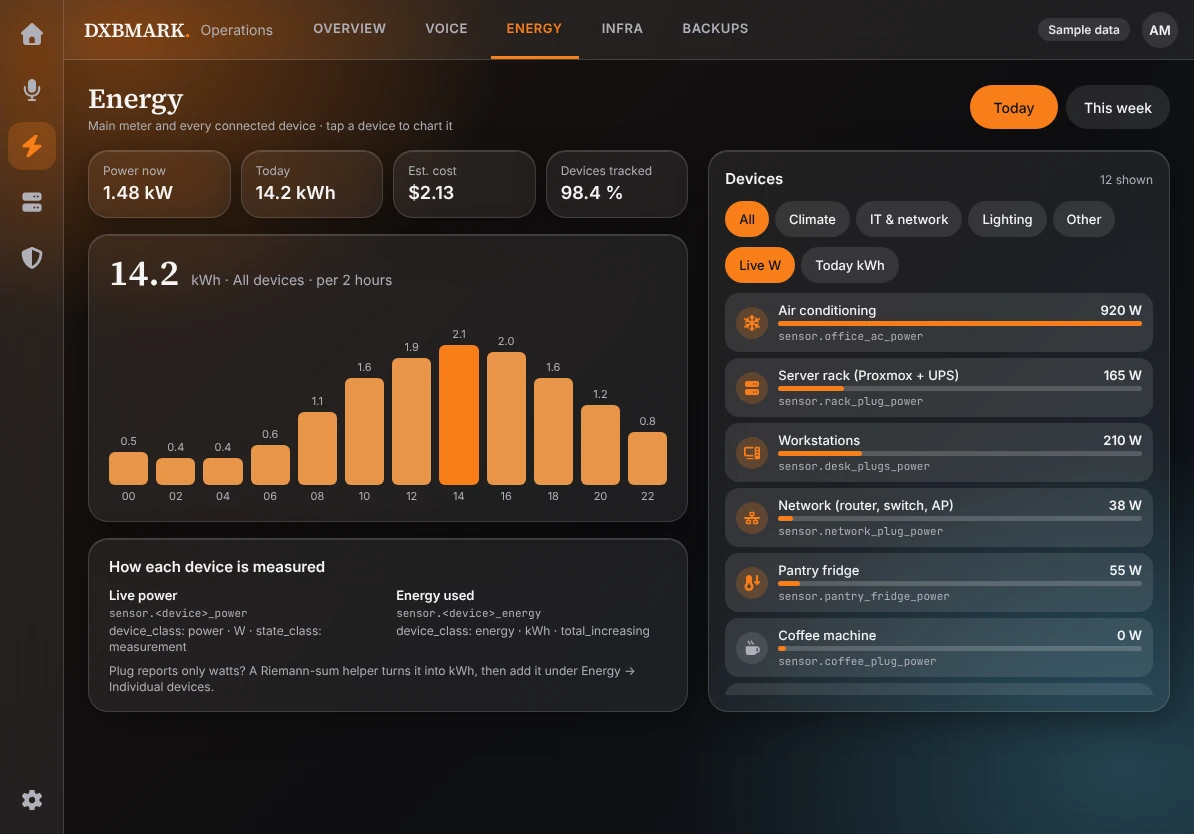
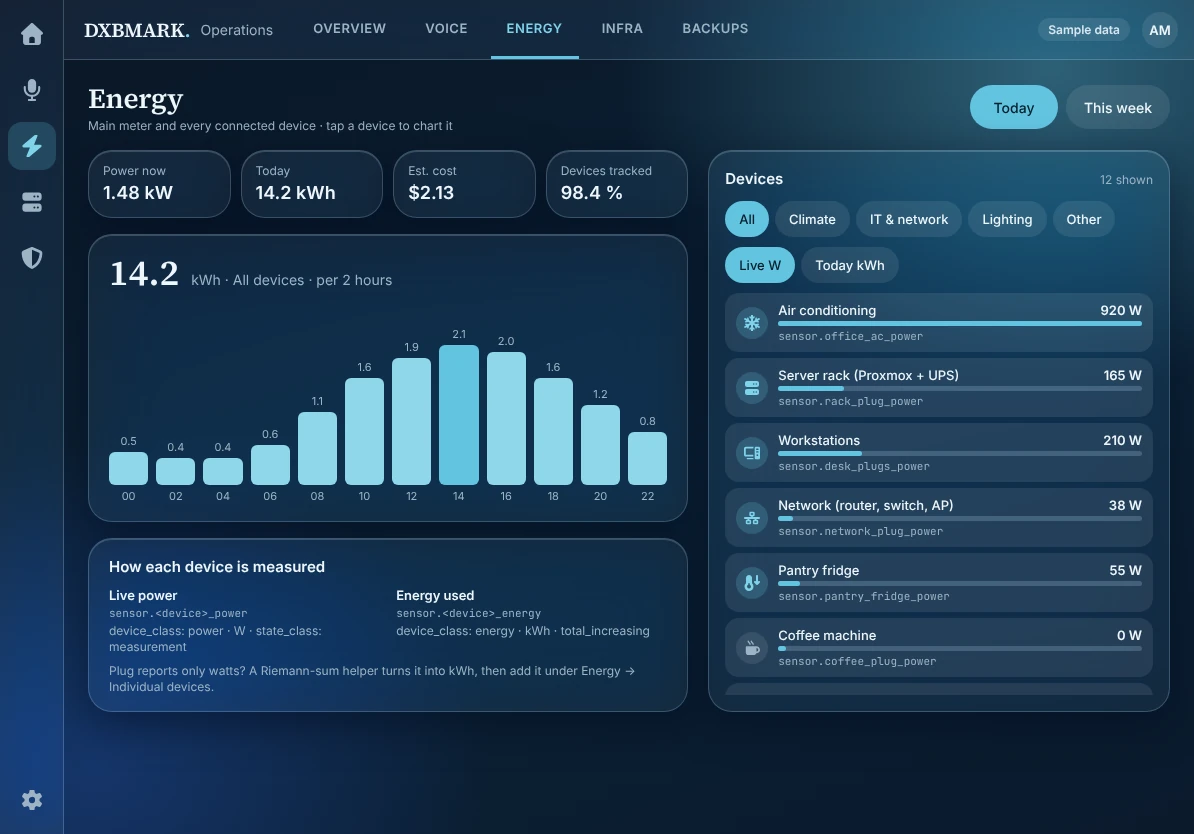
Per-device energy, audited
Finds power sensors with no kWh counterpart, wrong state_class and untracked load against the grid, then tells you which helper to create.
- 48card types validated
Built from your real entities
Sections-view YAML from entities that exist in your inventory. Missing KPIs are reported as gaps, never invented.
- 7business profiles
Rooms and roles
A Rooms view from your own area map, plus admin-only tabs, so staff and managers see different things.
- 11command-line tools
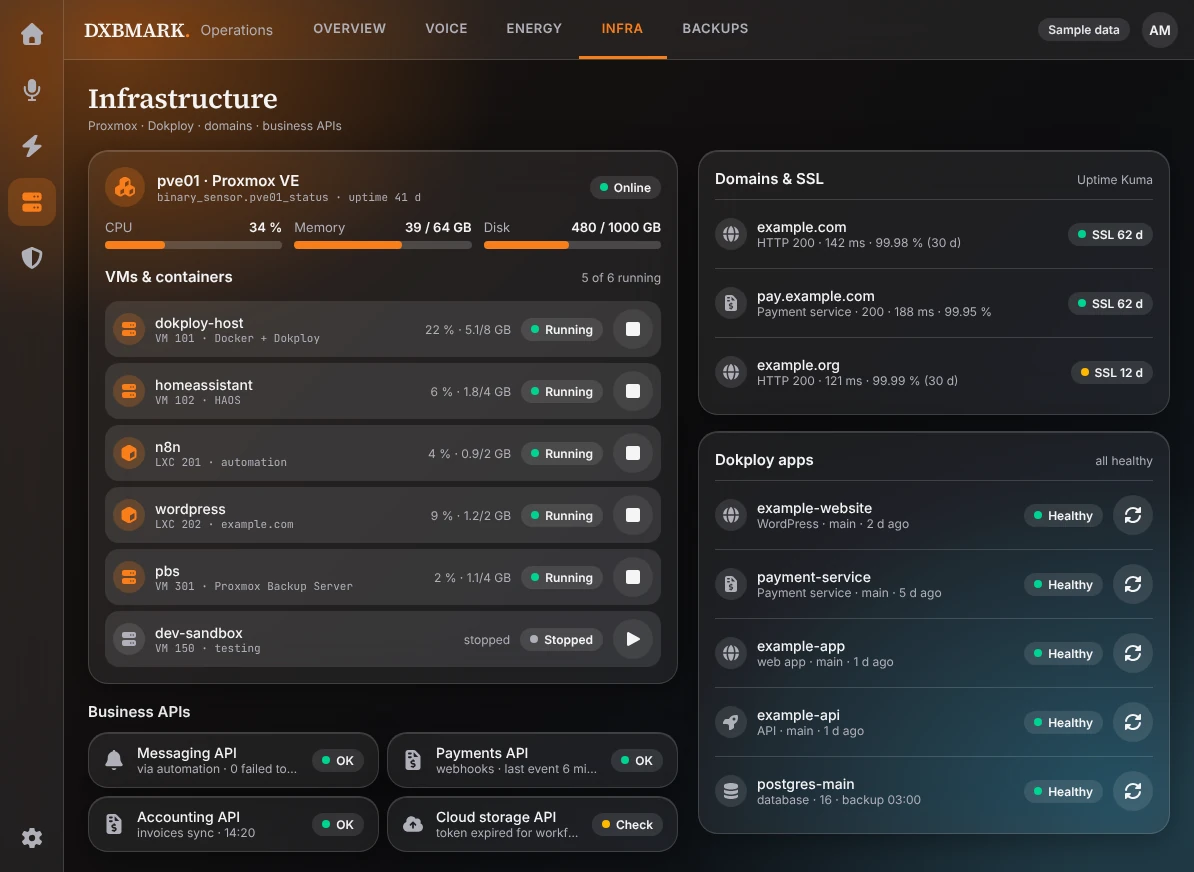
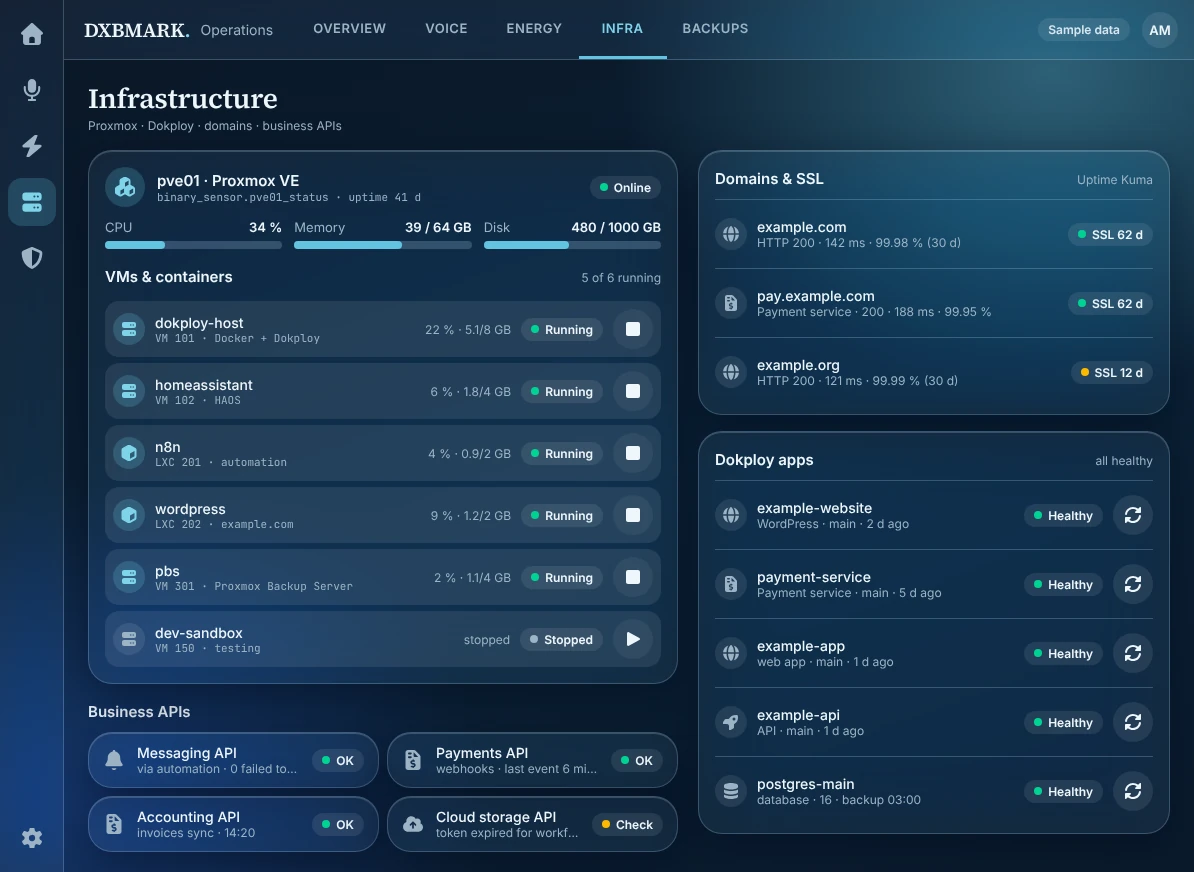
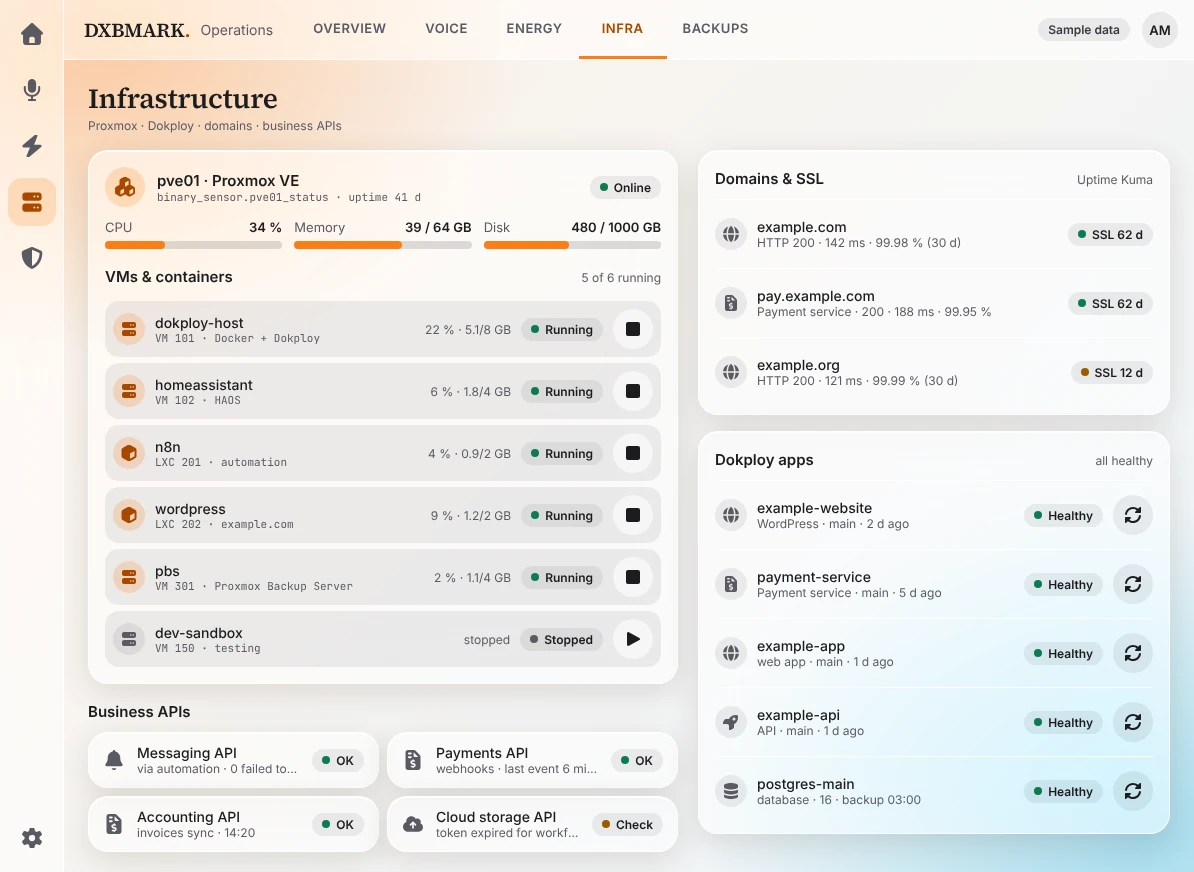
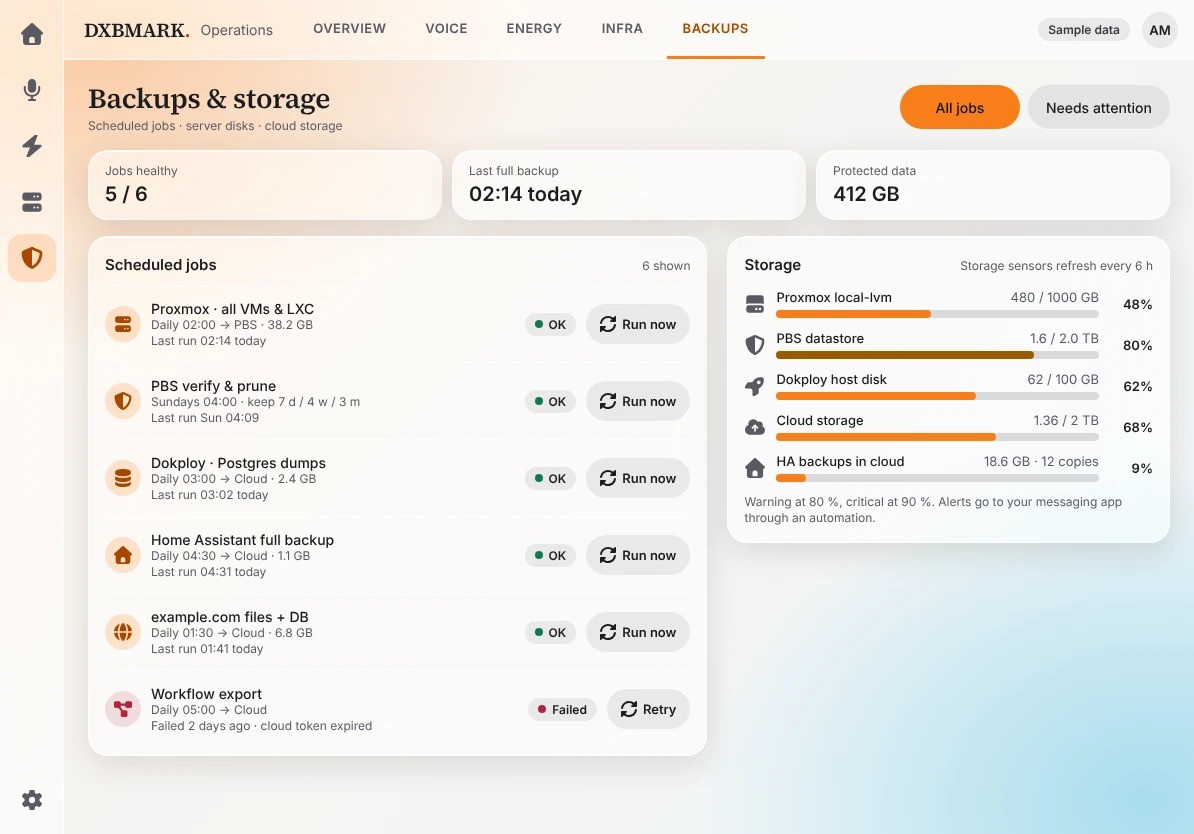
Infrastructure at a glance
Proxmox, Dokploy, domains, certificates, backups and Google Drive, using Home Assistant-native integrations and sensors.
- 3glass designs
Glass you can actually read
Aurora, Midnight and Frost, with text contrast measured on the composited card and opaque fallbacks for reduced transparency.
AuroraMidnightFrost - 52automated tests
Cameras with privacy built in
Snapshots first, audio off, restricted views and no cameras in private areas.
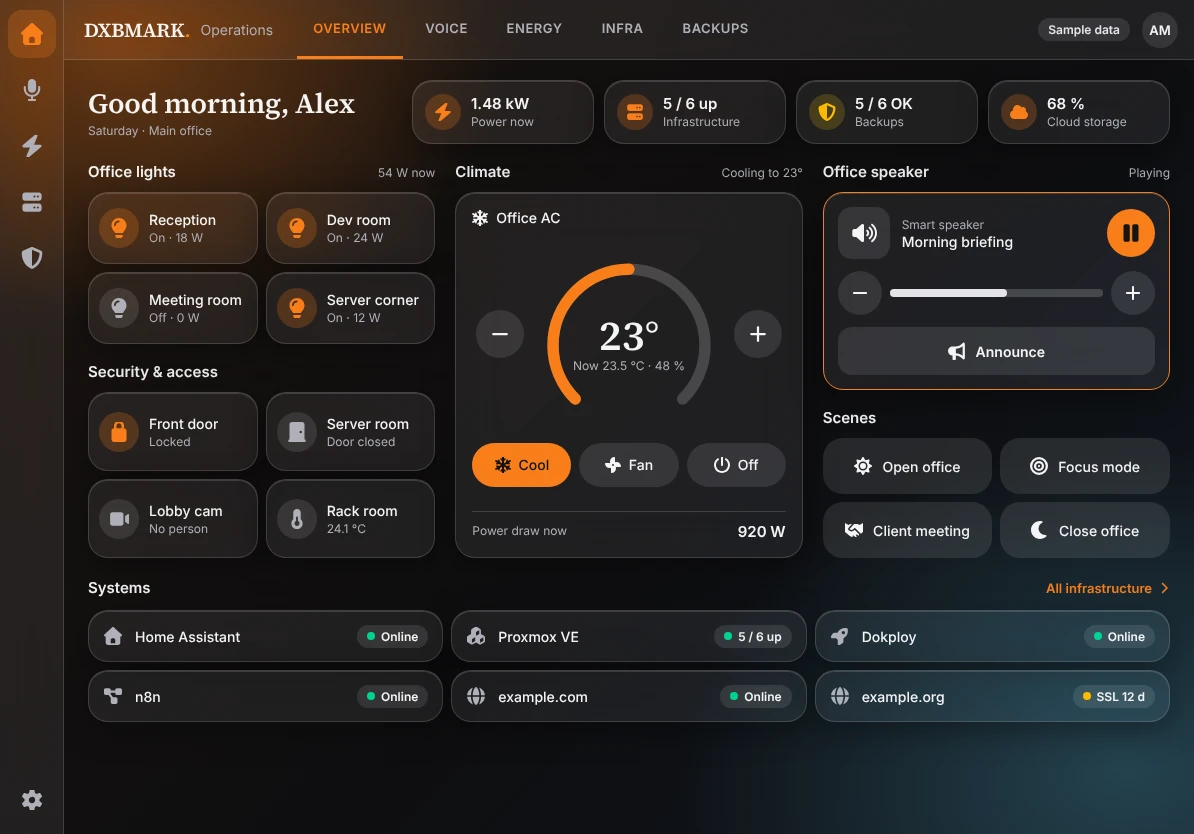
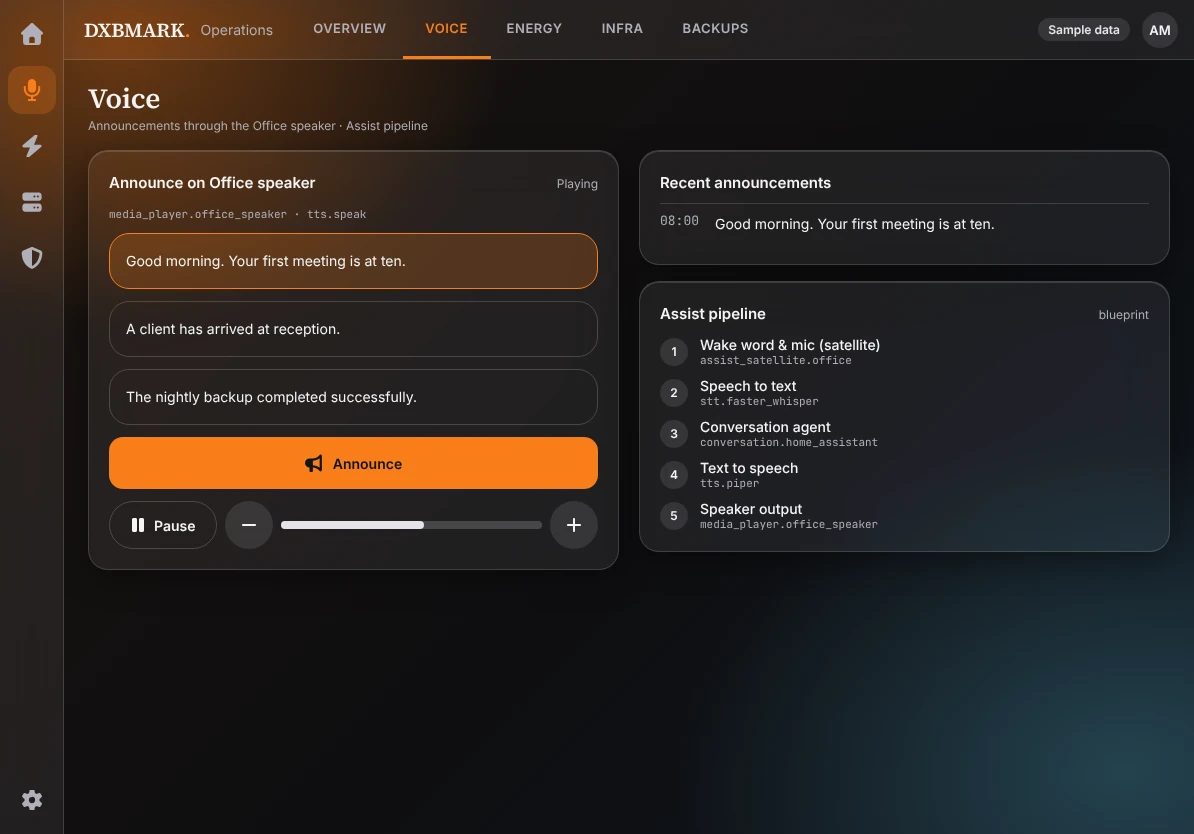
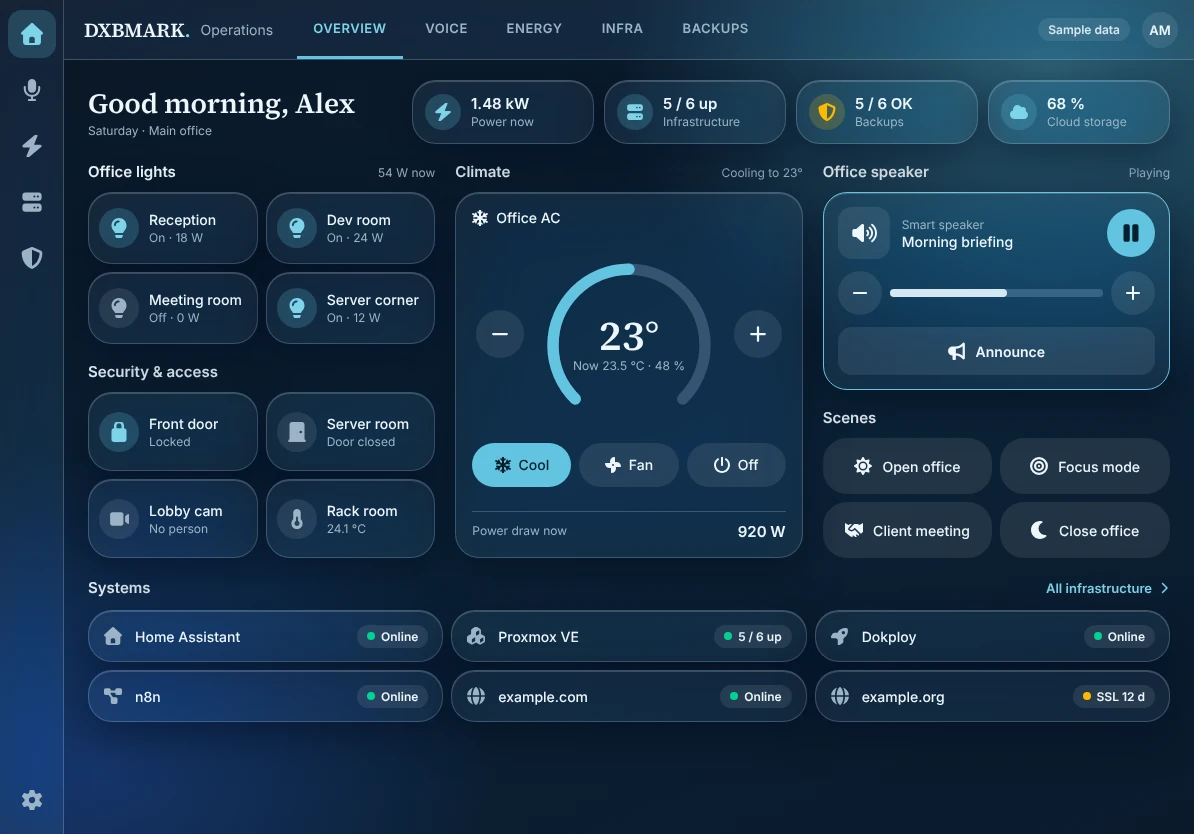
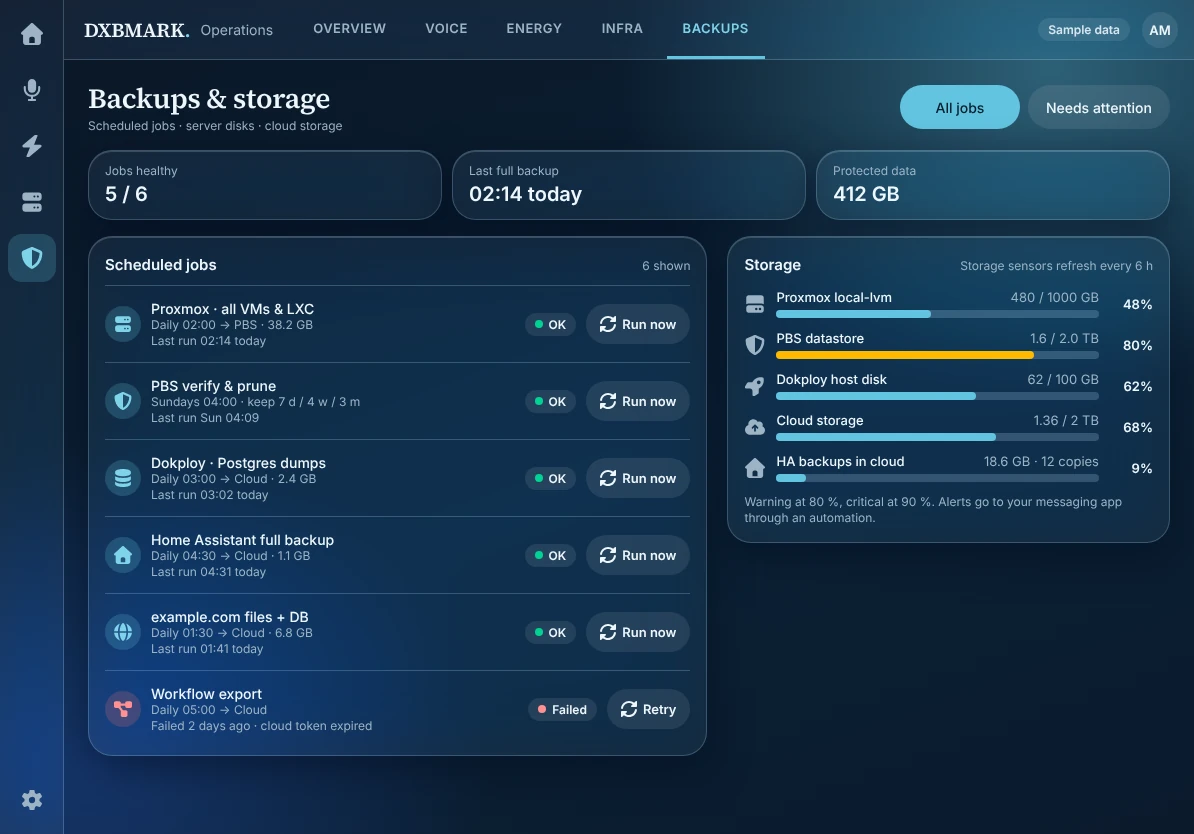
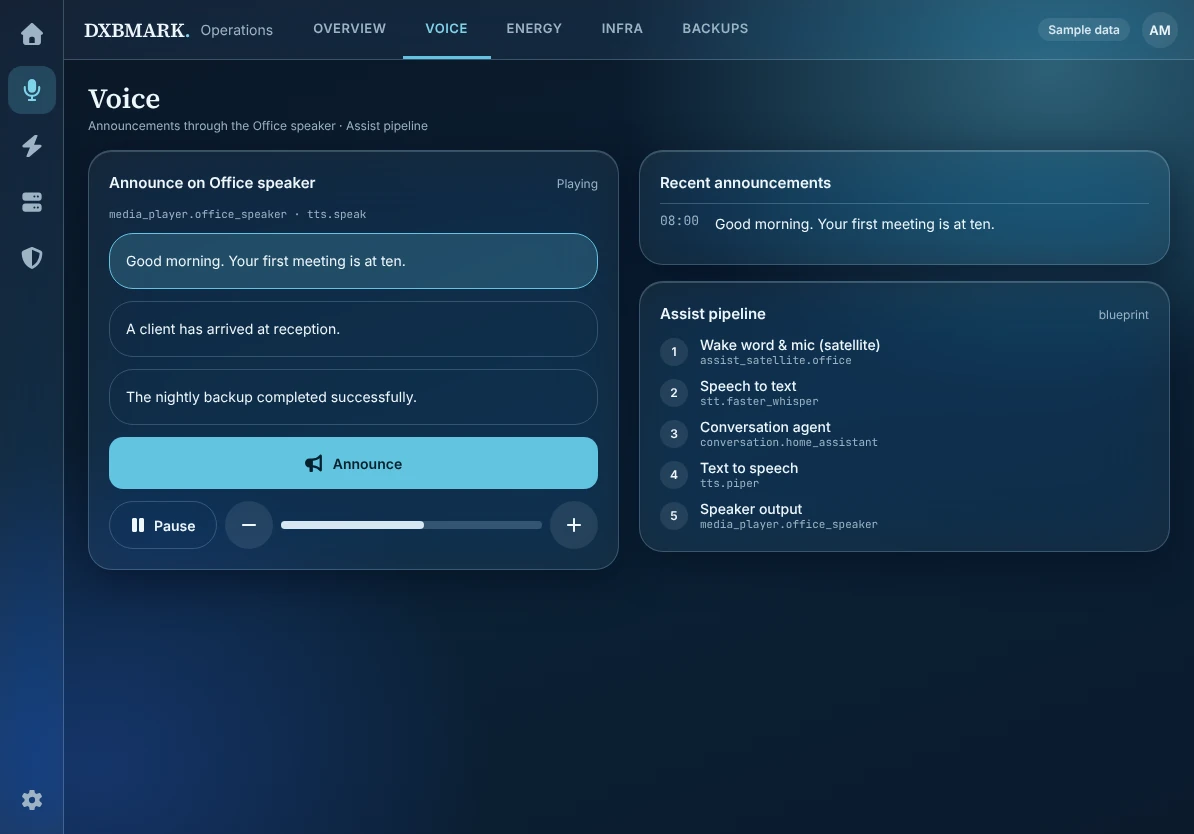
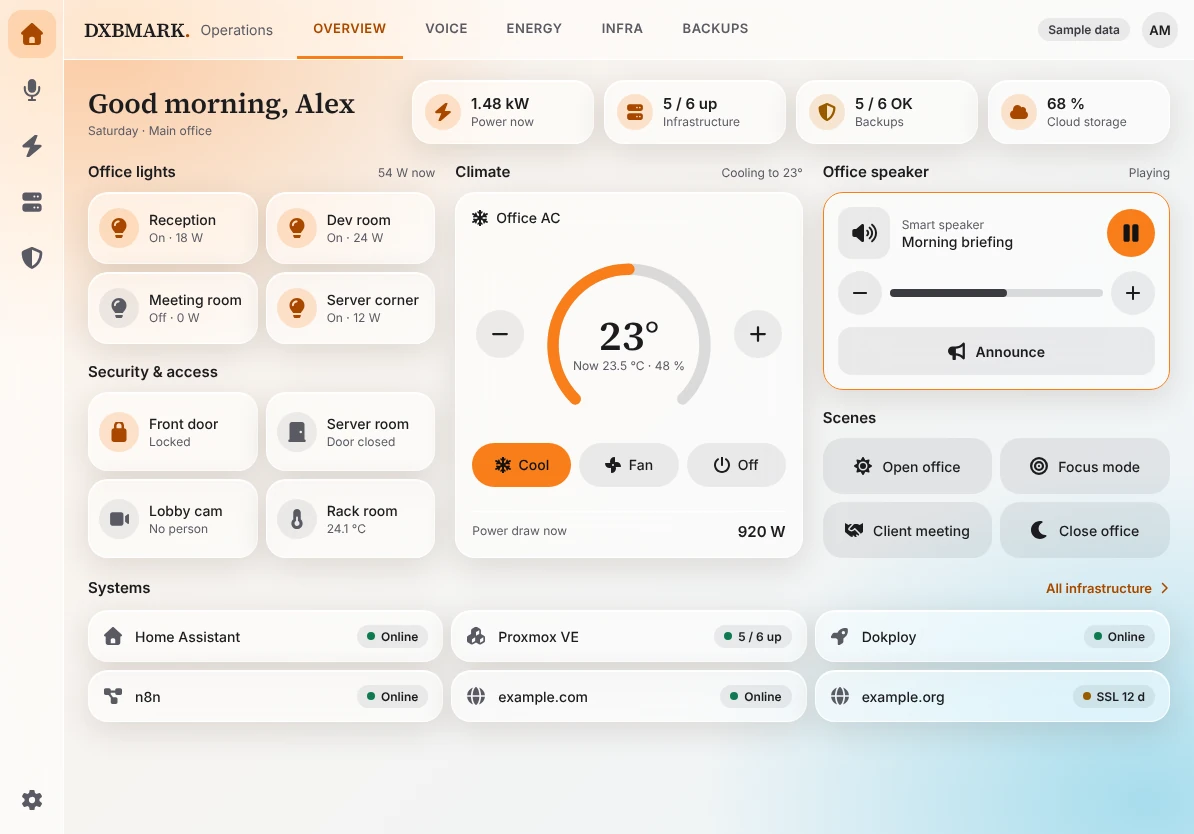
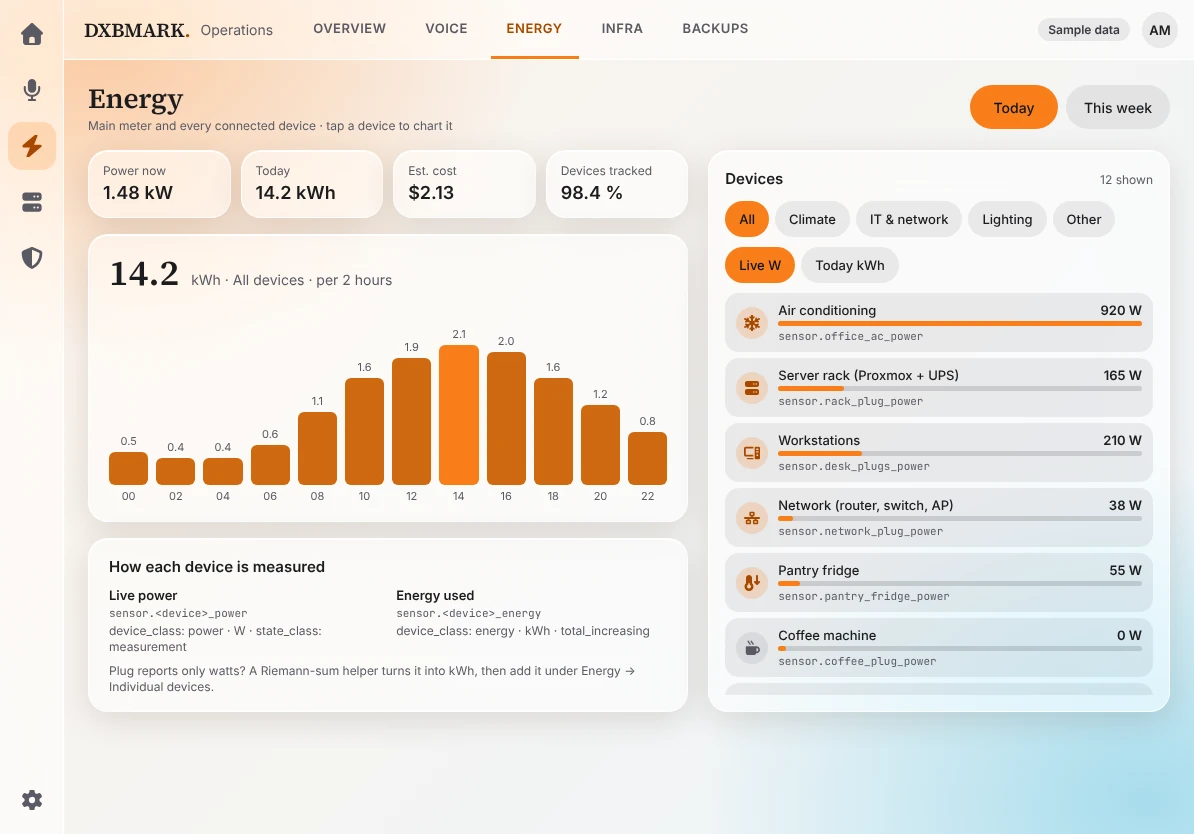
Three glass designs.
Pick one, keep it consistent.
Every view is generated in the design you choose, so a wall of screens always looks like one product.
Aurora
Dark glass, warm orange accent
Built for offices, retail and reception walls where the screen is always on.
Don't take our word for it.
Use the dashboard.
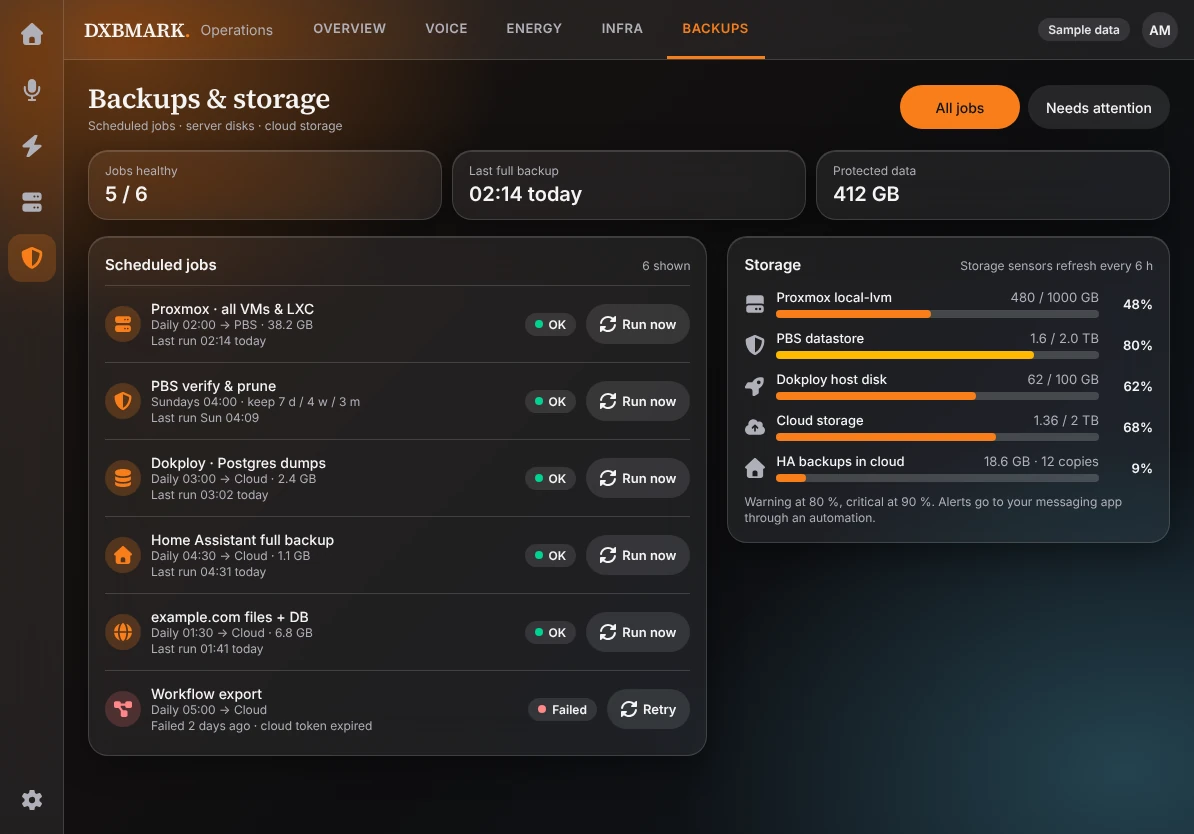
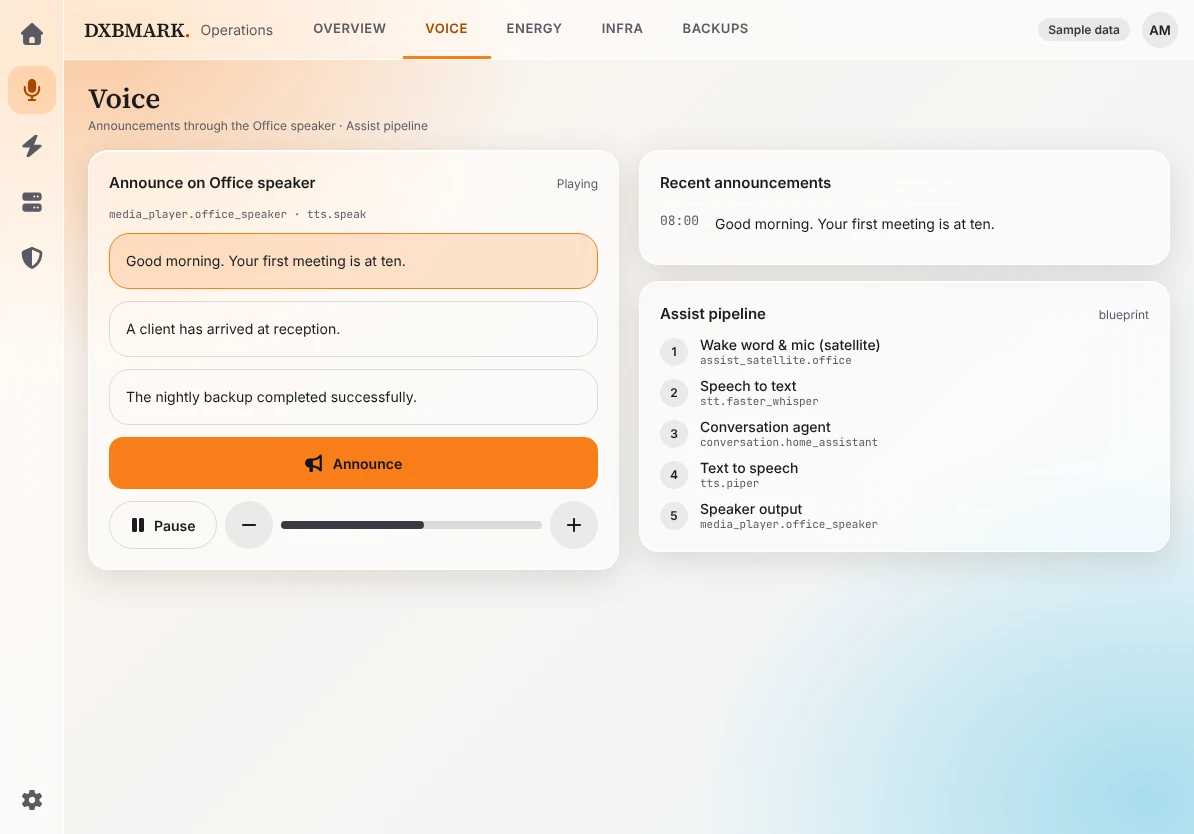
The real HA Studio dashboard, running right here. It uses sample data in your browser and never touches a Home Assistant.
- Lights and scenesTap to switch
- Live powerReacts instantly
- 3 designsSwap in one click
- Sample dataNever touches your HA
Install it where
you already work
Pick your assistant. It takes a minute, and there is nothing to host.
/plugin marketplace add DXBMARK/ha-studio
/plugin install ha-studio@dxbmark
Then ask: “Use ha-studio to design a dashboard for my office.”
Questions, answered
No. It is read-only by default: it reads an inventory, generates files and validates them. You apply the YAML yourself, in the raw configuration editor or a YAML-mode dashboard.
Ready to design your first dashboard?
Install the skill and have a validated dashboard in an afternoon. Want it built for you instead? We can do that too.